Upgrading SD-WAN Controllers and WAN Edges
Upgrade Manager by itself, then Validator, Controller, and edges. This lab is on 20.18.2.1 and 17.18.02, one image per box. I recorded the versions and did not upgrade.
GUIDES MEET PRACTICE
Clear networking guides and 68 CCNA browser labs. Learn the concepts, practice IOS-style commands, and check your work as you go.
One lab free. No account, installation, or hardware needed.
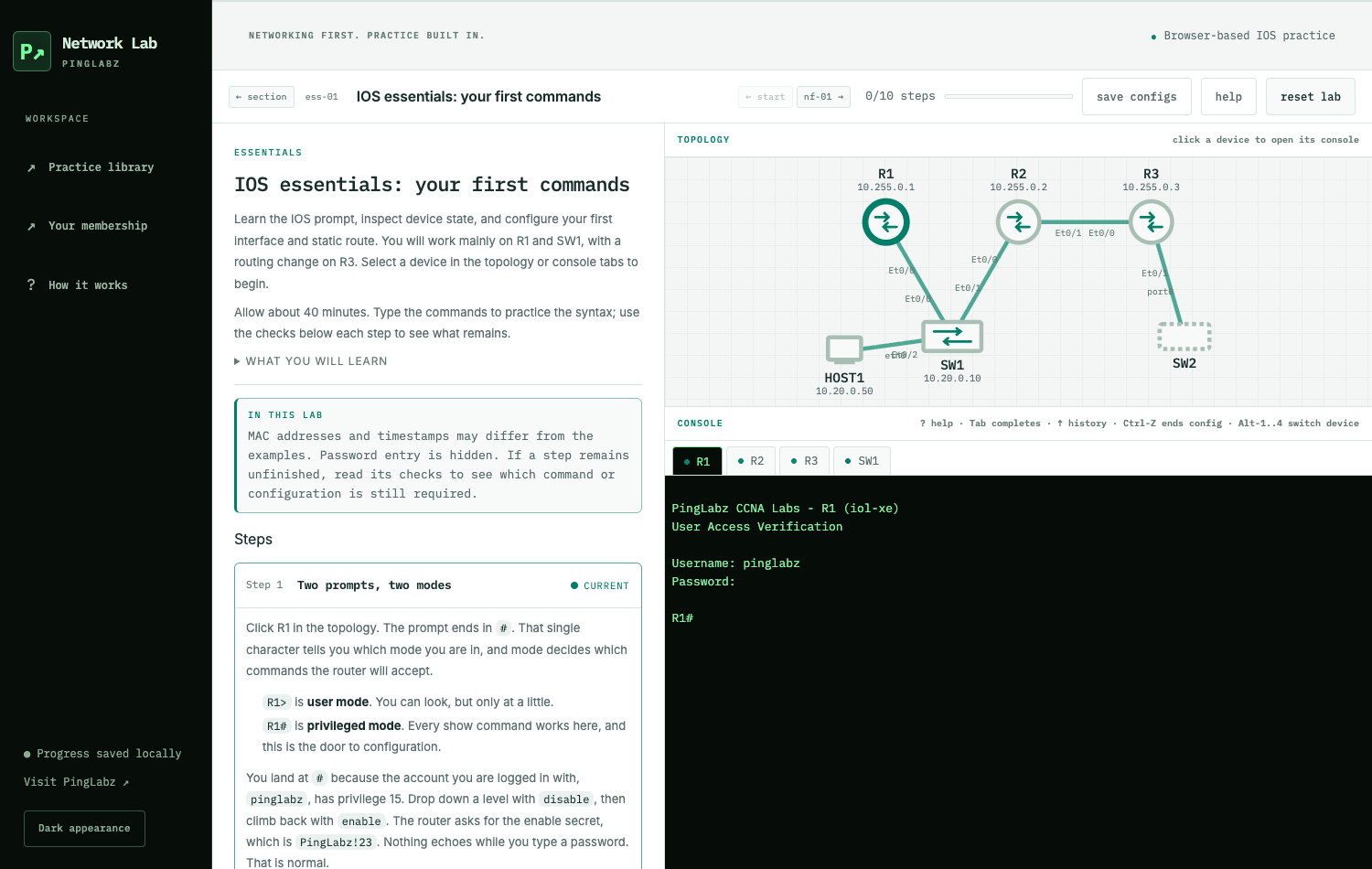
A browser simulation of selected IOS behavior. It does not run an IOS image.
EXPLORE THE LIBRARY
Models, addresses, and the basics that connect everything.
↗ 02Switching & VLANsBuild and troubleshoot Layer 2 networks.
↗ 03RoutingUnderstand forwarding decisions and paths.
↗ 04Security & accessExplore controls, authentication, and firewalls.
↗ 05WirelessFrom WLAN fundamentals to controller operations.
↗ 06Linux & toolsDiagnose and verify from the command line.
↗FREE FIELD REFERENCES
A free PingLabz account unlocks the Linux, ASA, BGP, and OSPF PDFs. Choose the guide you need and keep it close while you practice.
GO FURTHER WITH PRO
Pro unlocks 60 build labs, six troubleshooting labs, and the campus Mega Lab, with ad-free browsing on PingLabz. Follow guided exercises, try IOS-style commands, and check your configuration as you go.
SELECTED READING
Keep learning
Upgrade Manager by itself, then Validator, Controller, and edges. This lab is on 20.18.2.1 and 17.18.02, one image per box. I recorded the versions and did not upgrade.
Segmentation starts as service VPNs, which are VRFs with a label in OMP. VPN 10 is isolated from VPN 0 here. SGT propagation needs a TrustSec switch we do not have.
A global mesh does not scale. MRF keeps edges inside a region and uses border routers for the core. This lab is still flat: no region, role edge-router.
The overlay only starts after VPN 0 can reach the PE. This lab uses two static defaults per edge. Control, BFD, and a service ping are up. BGP is not active.
Two edges need one LAN gateway that moves when the overlay dies. VRRP plus Track OMP is the design. Our edges are different sites and show no VRRP groups.
One edge has MPLS, the other has internet, and each needs both colors. TLOC extension is the patch cable. Our edges already have both colors and live in different sites.
Two edges at one site can loop prefixes between BGP and OMP. Cisco documents SoO plus a shared site-id as the brake. Our edges are different sites and report BGP not active.
VPN 10 already advertises each C8000v LAN into OMP as a connected route. OSPF would face a campus IGP; I did not add a process because this lab has no LAN OSPF speaker.
Shared SD-WAN templates need variables for system-ip, site-id, and LAN addresses. I mapped our two C8000v edges into a CSV-shaped table and did not attach it.
Configuration groups bundle system, transport, and service profiles. I mapped our running C8000v CLI onto that 20.18 stack and did not deploy a group onto either working edge.
A device template is a table of contents for feature templates. I mapped our C8000v CLI, including VPN 10, onto that catalog and did not attach anything to the live edges.
CLI templates, feature templates, and configuration groups are three ways to store the same SD-WAN config. Our C8000v edges still report vManaged false. I compared the models and left the overlay untouched.